
Guide
Offline time clocks: keep clock-ins when the network drops.
A network cut at 07:58 should not cost anyone a morning's pay. This is how LEM terminals and Attendance keep records through an outage, and how a late or doubtful phone record is flagged instead of passing as normal.
- Up to 1,000,000 events stored
- Terminal times kept
- Duplicates counted once
Updated:
How does an offline time clock work?
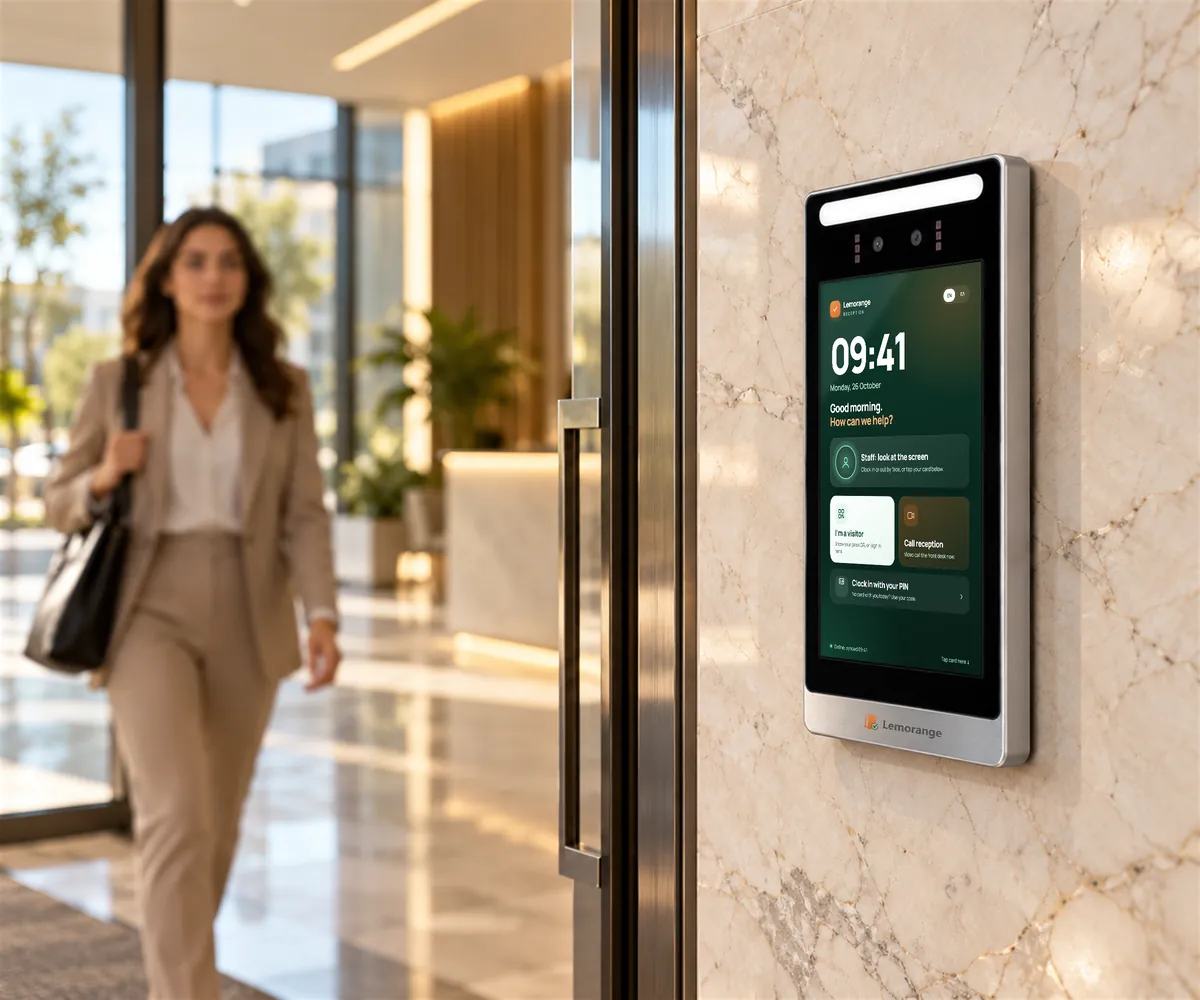
The terminal stores each clock-in in its own memory and sends it when the connection returns. The attendance system imports the backlog with the times the terminal recorded and counts a record that arrives twice only once. Clock-ins from a phone that was offline go through extra checks before they count.
Three layers between the door and the record
A clock-in reaches Attendance by three routes.
- The live stream: the gateway holds an open connection and sends each clock-in the moment it happens.
- The catch-up: Attendance also collects from the gateway on a rolling check with a five-minute overlap, so a record lost in transit is picked up on the next pass.
- The terminal's own log: every model records attendance while offline and stores 500,000 events, or 1,000,000 on the LEM 1009 and Gate 8.
One clock-in, counted once
The same event can arrive twice, once live and once in the catch-up. Attendance counts it as one clock-in, not two. A clock-in from someone not yet set up in Attendance is held, and counts once the employee is created.
See a terminal that has gone quiet
The portal shows each terminal as online or not, when it was last seen and whether records are waiting. A unit that has stopped reporting is visible before someone notices a missing shift.
Keep a whole site recording without internet
The Attendance Gateway can run on your premises, with its own administration screens and a local record of terminal clock-ins. With the local server, database and network running, terminals keep recording without internet, and the site forwards its records later.
This suits power stations, utilities and sites where the internet line is not dependable.
Phones get extra checks
A phone's clock can be changed by the person holding it, so Attendance checks phone clock-ins more strictly than terminal ones:
- A clock-in dated further in the future than the workplace allows is refused, and the phone is asked to switch on automatic date and time.
- A clock-in sent with the phone clock five minutes or more away from the server's is flagged for review.
- An offline clock-in whose time only the phone vouches for is flagged for the manager.
- An offline clock-in that reaches the server more than 48 hours after its time is held for a manager, and counts only once approved.
- Offline clock-ins older than seven days are refused.
- Two located clock-ins too far apart for the time between them are flagged.
- Queued clock-ins are stored in encrypted app files on the phone.
Approved hours stay approved
Managers review only the days that need a decision. Approved hours lock before export or a payroll connection.
Questions about offline time clocks
Does a time clock work without internet?
Yes. Every LEM terminal keeps recording in its own log while offline and sends the records when the connection returns.
Do offline clock-ins keep the time they were made?
Yes. Clock-ins stored during the gap are imported with the time the terminal recorded, not the time they arrived.
How many clock-ins can a terminal store offline?
500,000 events on most models, and 1,000,000 on the LEM 1009 and Gate 8.
What if the whole site loses internet?
An Attendance Gateway on your premises keeps receiving terminal clock-ins while its local server, database and network are running.
Can an employee change the time on a phone clock-in?
A clock-in dated beyond the workplace's margin into the future is refused, a clock-in from a phone clock five minutes or more off is flagged, and an offline clock-in whose time only the phone vouches for is flagged for the manager.
Plan for the day the line goes down.
Tell us your sites, the connection at each one and what must keep running. We will plan the terminals and, where needed, an on-site gateway.