See the team you are planning
Choose the location and department you need. Assign shifts to the people on that team without mixing up the rota for another branch.
Keep leave visible while you plan. Check who is away before you fill the week.
Start with the week you already know
Copy a previous week and adjust it for the next one. Reuse shift templates for hours that repeat, including their breaks.
A copied week is a starting point for review. Check changes in staff and leave before publishing the schedule.
Review changes before staff see them
Work on draft shifts, then open the publication review. See which shifts were added, changed, moved or removed and check any conflicts shown.
Publish when the rota is ready. You can choose to notify employees when publishing.
Keep the plan beside the hours
Scheduling, attendance review and payroll preparation are in the same system. After the shifts, review the recorded days and hours before closing the pay period.
Planning the next rota
Can I plan one branch at a time?
Yes. Filter the rota by location and department to work on that team’s shifts.
Can I reuse last week?
Yes. Copy a week, review the copied shifts and adjust them before publishing.
Do staff see my unfinished changes?
Draft shifts stay in the manager’s working copy until publication. Review and publish the changes when they are ready.
Can I see leave while planning?
Yes. The rota includes leave information, with the leave calendar and requests available in the same system.
Keep leave and hours together
Staff hours ready for your accountant
Keep HR and payroll preparation together in Cyprus: review staff hours, overtime and approved leave, then export files for your accountant.
Know who is off before you approve
HR leave management in Cyprus: requests, approvals, employee balances and leave certificates, alongside rotas and attendance in attendance.cy.
See your delivery bikes on one map
See delivery bikes on the live map. Review trips, speed and alerts, with riders linked to vehicles and private trip controls in attendance.cy.
Control doors and keep attendance records
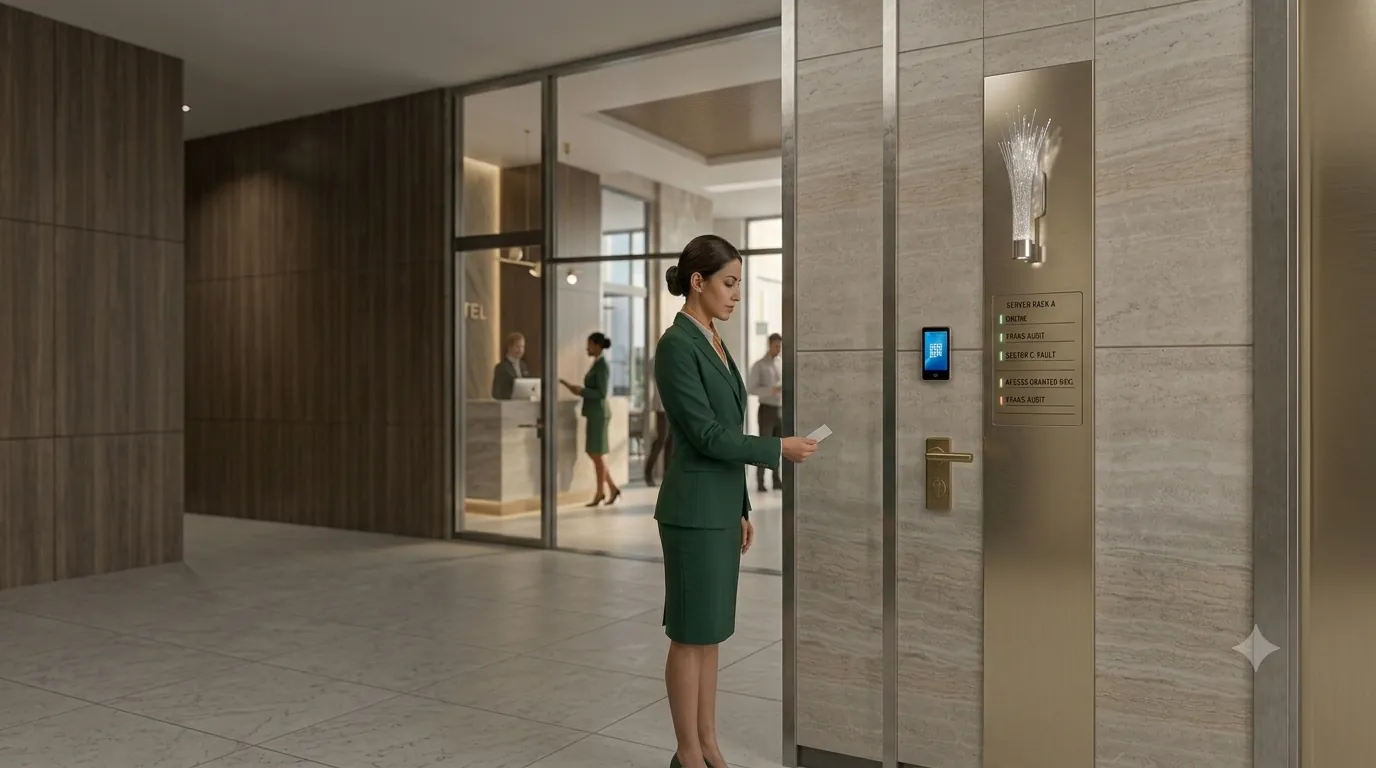
Plan controlled doors and emergency lockdown. Review staff attendance, scoped access, audit records and an on-site Attendance Gateway. Book a site survey.
Staff hours, wherever work takes them
Attendance and HR for remote and field staff in Cyprus: phone clock-in, hours, leave requests and payroll exports alongside the office team.
See a rota for your team
Tell us which locations and departments you schedule. Ask to see a week being planned, reviewed and published.