Find the bike on the live map
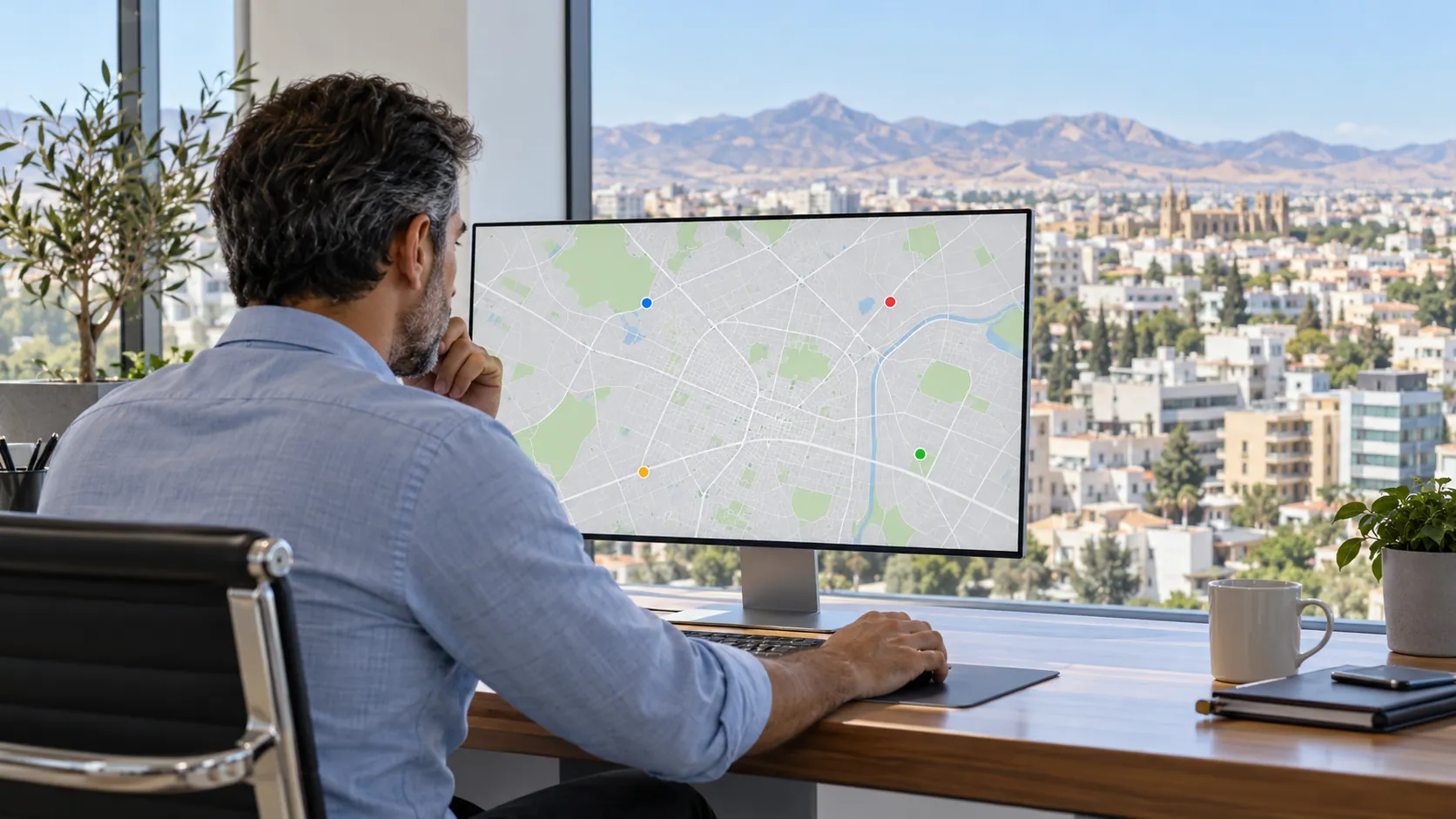
Add your delivery bikes to the fleet and link their trackers. See each bike’s position, speed and vehicle status on the map.
Check the journey after the delivery
Open the vehicle’s history to review its trips and stops. See when the bike travelled and which route it took.
Link a rider to the bike so the office can see who is using it. Staff attendance records remain separate from the vehicle’s journey.
Review alerts with the route
Set fleet alert rules and review the alerts they produce. Open an alert’s replay on the map to check the vehicle’s movements before speaking to the rider.
Keep private routes out of work views
Private trips have separate access controls. People without the private-trip permission do not see those trips, and private route coordinates are withheld.
Agree who may view vehicle history and private trips before adding the bikes to your fleet.
Tracking delivery bikes
Can I add motorbikes?
Yes. You can record a motorbike in the fleet and link it to a tracker.
Can I see speed and previous trips?
Yes. The live view shows speed when reported, and the vehicle history includes trips and stops.
Can I link the bike to its rider?
Yes. A vehicle can have a linked driver, so the office can see who is using the bike.
Can everyone see private journeys?
No. Private trips require the private-trip permission, and their route coordinates are withheld.
Plan the team behind the deliveries
Staff hours ready for your accountant
Keep HR and payroll preparation together in Cyprus: review staff hours, overtime and approved leave, then export files for your accountant.
Plan next week’s shifts in one place
Plan shifts by location and department, reuse a week and review changes before publishing. Keep rotas, leave and attendance in attendance.cy.
Know who is off before you approve
HR leave management in Cyprus: requests, approvals, employee balances and leave certificates, alongside rotas and attendance in attendance.cy.
Control doors and keep attendance records
Plan controlled doors and emergency lockdown. Review staff attendance, scoped access, audit records and an on-site Attendance Gateway. Book a site survey.
Staff hours, wherever work takes them
Attendance and HR for remote and field staff in Cyprus: phone clock-in, hours, leave requests and payroll exports alongside the office team.
See your delivery team on the map
Tell us how your riders share bikes and shifts. Ask to see the live map, trip history and fleet alert rules.