
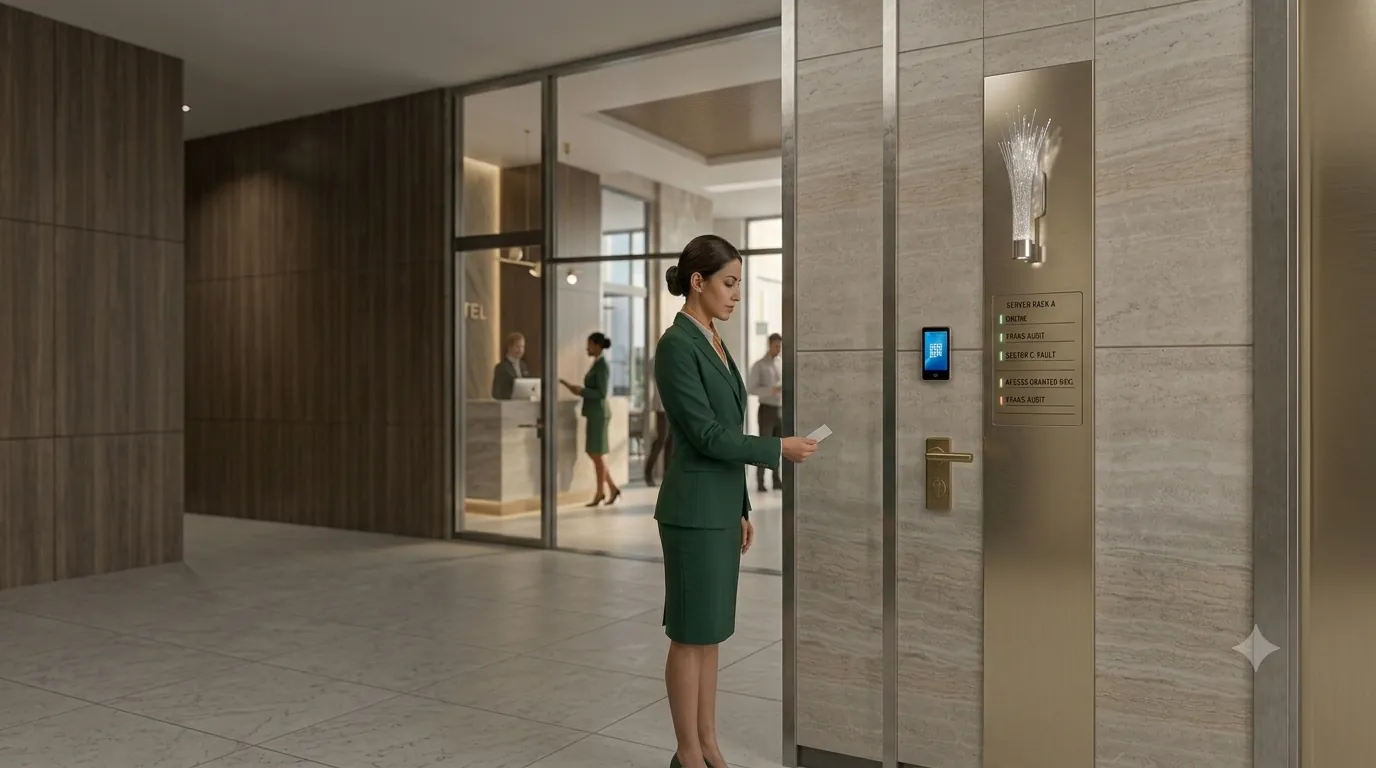
Give each person the access they need
Workspace records are separated by tenant. Access to staff records is scoped by role, location and department. Attendance photos require the manager permissions for those records.
Set who may open each door, including doors that need approval. Use face or card terminals and keep the attendance record alongside door control.
Keep actions and access open to review
Review clock-in records and recorded administration actions. Emergency door actions are logged with the person who requested them.
New and changed website passwords require at least 12 characters. Platform support access uses two-factor authentication.
The website configuration uses HTTPS with TLS 1.2 and TLS 1.3. Sensitive link paths are redacted in the server’s dedicated access logs.
Keep terminal clock-ins on your own server
The Attendance Gateway runs on your premises, with its own administration screens and a local record of terminal clock-ins. With the local server, database and network running, terminals can keep recording without internet.
Contact us about a private installation for the rest of your requirements. The local gateway is the starting point for that discussion.
On native phones, queued clock-ins are stored in encrypted app files. Offline records with suspect times or excessive age are held for a manager to review.
Control entry during an emergency
Use emergency door controls. Consult the attendance record when accounting for staff on site.
Plan the doors, areas and people responsible for emergency actions during the site survey.
Specialised installation for restricted areas
Our team plans the installation around the entrances, identity checks and records your site needs.
For server rooms and data centres, restrict entry to named staff and record who entered and when.
For bank vaults and cash-handling centres, set door permissions and use approval doors.
For hospital pharmacies, operating theatres and drug stores, check identity at the staff entrance and keep entry records.
For laboratories and pharma clean rooms, separate access by work area and role.
For airport airside and port areas, control the staff doors and keep a record of entry times.
For police stations, courts and prisons, set access for restricted doors and keep administration actions in the audit record.
For power stations and utilities, keep terminal clock-ins on the local gateway during an internet outage.
For casinos and jewellery workshops, check staff identity at the door with face or card terminals.
For records archives, record who entered and when.
For government restricted areas, plan door permissions and emergency lockdown, with attendance records available for staff checks.
Before planning an installation
What can run inside our network?
The Attendance Gateway has local terminal clock-in storage and its own administration interface. Contact us about a private installation and the other functions your site needs.
What happens without internet?
The on-site gateway can keep receiving terminal clock-ins while its local server, database and network remain running.
Can every manager see every location?
Access is controlled by permissions and assigned location and department scope. A manager’s role does not by itself grant access to every record.
What does the site survey cover?
We discuss your controlled areas, face and card terminals, approval doors, local gateway and emergency controls. Tell us which records and access rules your workplace needs.
Connect access with daily staff records
Staff hours ready for your accountant
Keep HR and payroll preparation together in Cyprus: review staff hours, overtime and approved leave, then export files for your accountant.
Plan next week’s shifts in one place
Plan shifts by location and department, reuse a week and review changes before publishing. Keep rotas, leave and attendance in attendance.cy.
Know who is off before you approve
HR leave management in Cyprus: requests, approvals, employee balances and leave certificates, alongside rotas and attendance in attendance.cy.
See your delivery bikes on one map
See delivery bikes on the live map. Review trips, speed and alerts, with riders linked to vehicles and private trip controls in attendance.cy.
Staff hours, wherever work takes them
Attendance and HR for remote and field staff in Cyprus: phone clock-in, hours, leave requests and payroll exports alongside the office team.
Plan the installation around your site
Tell us which entrances and restricted areas need control, and what must keep working without internet. Ask our team to arrange a site survey.