Mobile attendance
Clock in from the phone, inside the location you set.
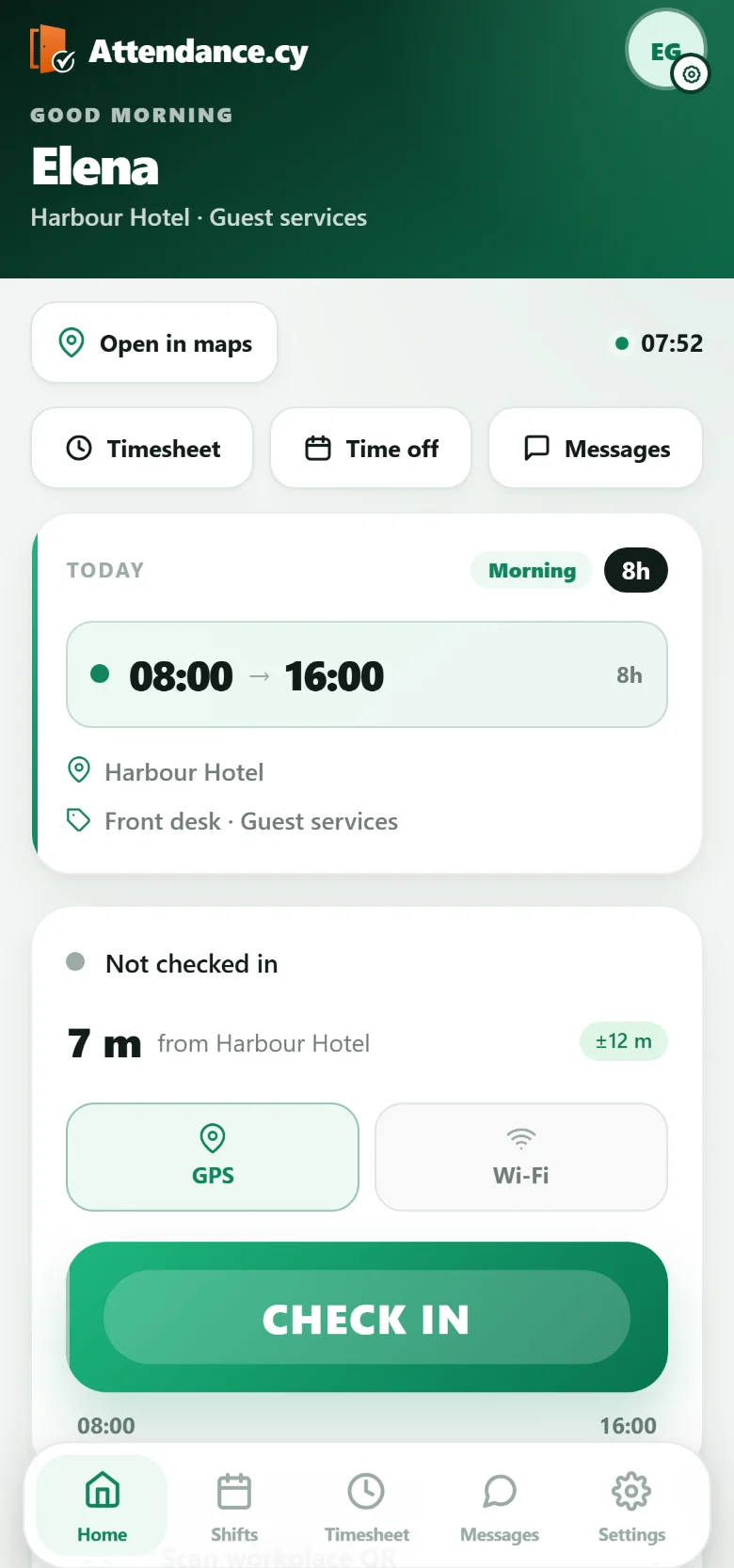
Employees clock in from the Attendance app only where you allow it. Before accepting a check-in, Attendance verifies what you require: a boundary around the site, the site network or a rotating QR.
- Site boundary from 25 to 5000 metres
- Site network or rotating QR
- Offline check-ins keep their time


Proof of location
What shows the employee is at the workplace.
Set which checks apply at each location, and whether one is enough or more than one is required.
Site boundary
Set an allowed radius for each location, from 25 to 5000 metres. 150 metres is the default. Low-accuracy readings are not accepted.
Site network
Accept a check-in only when the phone is using the network range registered for that site.
Rotating site QR
The code shown at reception re-rolls every five minutes, so a photograph of it stops working after five minutes.
Phone security
Face ID or fingerprint confirms who is holding the phone. It does not replace proof of location.
Controls
You decide where, who and with what.
Enable mobile check-in only for the locations and teams that need it.
Checks for each location
Choose which checks are required for each location.
Off-site by team
Allow or block off-site check-in by team.
Registered phones
Register each phone once and revoke it when needed.
Every attempt on record
Keep a record of accepted and rejected attempts, including the reason.
No signal
A check-in without signal is not lost.
The phone keeps the check-in and sends it when the connection returns.
Queued on the phone
With no signal, the check-in waits on the phone and is replayed when the connection returns.
It keeps its true time
The check-in carries the time it actually happened, not the time it was sent.
Clear limits
The server accepts a check-in up to two days old and rejects one dated more than five minutes in the future.
Away from the workplace
Home and project-site work has its own status.
Smartphone check-in can be enabled for employees working from home, at a project site or at another approved location.
You choose who, and which checks
The organisation chooses who may use it and whether a location check, the site network or a QR scan is required.
A separate status
Remote attendance is shown with its own status and does not place the employee on the workplace map.
Explore
Where mobile attendance fits.
The whole system
Schedules, attendance and approved hours, from check-in to payroll.
Attendance terminals
Seven clock-in terminals for the entrance, used on their own or beside the phone.
Technical services
Mobile crews, changing projects and offline attendance.
Pricing
How a quote is built for the software and the terminals.
Questions
Questions about mobile attendance.
Can employees clock in from their own phone?
Yes. Employees use the Attendance.cy app, available on the App Store and Google Play. You choose which locations and teams may check in from a phone, and which checks must pass first.
How does Attendance know the employee is at the workplace?
It checks the evidence you require for that location before it accepts the check-in: the phone is inside the site boundary you set, it is on the registered site network, or it has scanned the rotating site QR at reception. Low-accuracy readings are not accepted.
What stops someone clocking in from the wrong place?
The checks you set for that location, and your choice of whether off-site check-in is allowed for their team. Each accepted and rejected attempt is kept with the reason.
Does Face ID or a fingerprint replace the location check?
No. Face ID or fingerprint confirms who is holding the phone. It does not replace proof of location, so the location checks still apply.
What happens if someone checks in with no signal?
The check-in is queued on the phone and replayed when the connection returns, carrying the time it actually happened rather than the time it was sent. The server accepts a check-in up to two days old and rejects anything dated more than five minutes into the future.
Can employees working from home or on a project site clock in?
Yes, when you enable it for them. Remote attendance is shown with a separate status and does not place the employee on the workplace map.
Does the phone replace the terminal?
Only if you choose. You choose which methods count at each location: the terminal, the phone or both. Every check-in reaches the same record.
See it on your own sites.
Bring your locations and the teams that clock in away from a terminal. We will show you which checks fit each one.