
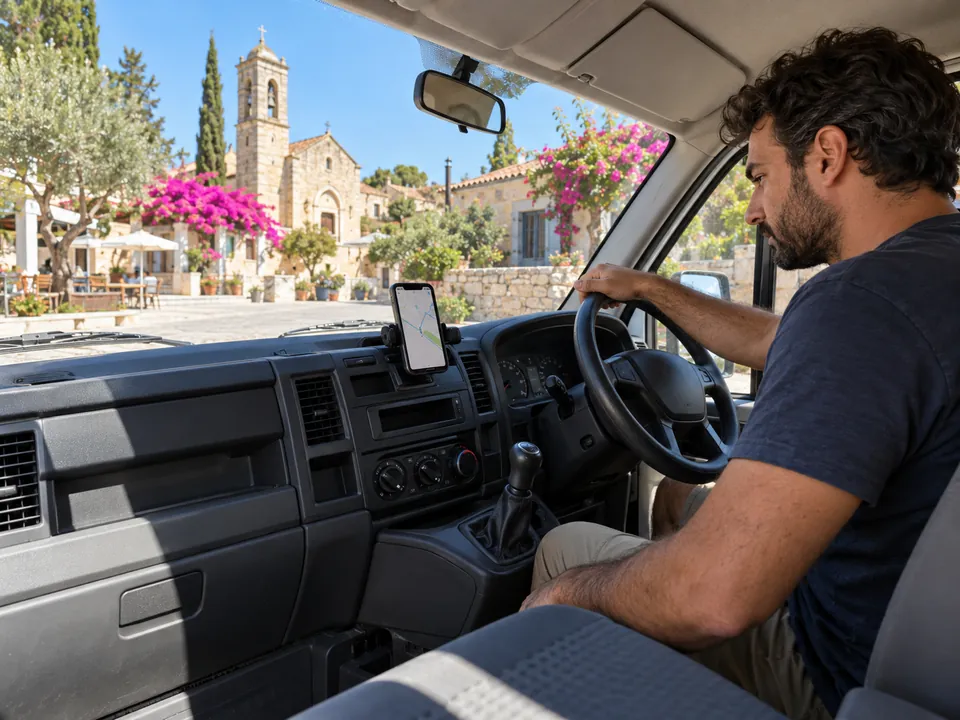
A visit has a person, a vehicle and a job
The worker clocks in at a terminal or on a phone. An iButton key identifies the driver when the van is shared. On the road, the manager can see the vehicle moving on the map. At the site, its stop records how long the vehicle stayed. The project and its tasks sit in the same platform as the worker’s attendance and timesheet.
A vehicle stop is useful context for a visit. The employee’s clock-ins remain the record for worked time.

Check an arrival without chasing the van
Open the live map to see position, status, speed and heading. For a completed visit, open the day’s route, trips and stops. You can also choose an alert for a vehicle entering a zone.
- 02:14TowingLCT 590 · Depot, Limassol · engine offReplay
- 08:47SpeedingMBE 317 · 112 km/h for 26 s · limit 100Replay
- 10:30Long idlingKXA 482 · 14 min with the engine onReplay
- 21:40After hoursMBE 317 · moved outside 07:00 to 19:00Replay
Crash and towing are always told at once, even in quiet hours.
From the shift plan to the timesheet
Keep rotas, shifts, leave, jobs and tasks in attendance.cy. Staff can clock in and out by phone with GPS or at a terminal. Managers can review timesheets and prepare payroll exports in the same platform they use to check vehicle activity.
Give managers the view their role needs
A manager sees vehicle positions only when their assigned locations or departments cover the vehicle. For a private trip, Fleet retains the kilometres for the mileage split and stores no position. Private mode is turned on with a switch in the vehicle or a weekly schedule set on the tracker.
Field team questions
Can a worker clock in at a job site?
Yes. Staff can clock in and out on a phone using GPS.
Does the vehicle’s arrival clock the worker in?
No. A vehicle stop and an employee clock-in are different records.
Can I see who took a shared van?
Yes. The driver can be identified with an iButton key. Each vehicle also has a usual driver.
Can I review how long the van stayed at a site?
Yes. The vehicle’s daily record shows stops and the route on a map. That stop is vehicle time, not an automatic calculation of paid work time.
Are payroll exports part of attendance.cy?
Yes. Payroll exports sit alongside attendance, shifts, leave, jobs and timesheets.
Related pages
Fleet tracking for the whole working day
Track company vehicles across Cyprus with live GPS, trip history, alerts and fuel records, alongside clock-ins, jobs and timesheets in attendance.cy.
Fuel logs beside each vehicle’s working day
Import fuel card statements, review fuel use by vehicle and driver, and see trips and idling hours in attendance.cy.
Clock in from the phone, inside the location you set.
Employees clock in from the phone inside a site boundary you set, on the site network or by a rotating QR. Offline check-ins keep their original time.
Attendance that follows crews from one job site to the next.
Mobile attendance and crew scheduling for technical and field services in Cyprus, with job-site boundaries, offline records and live coverage.
Show us how a day in the field works
Tell us where people clock in, how vans are shared and how you review time. We’ll show you the matching attendance and Fleet views.